Best AI Tools for Digital Design: Canva, Figma & More

Which AI is best for digital design?
The best AI for digital design depends on what you’re making and how hands-on you want to be. For most creators selling digital products, a “best” pick usually means: it generates high-quality visuals quickly, gives you control over style, and fits into a workflow that ends with export-ready assets (PNGs, vectors, layouts, mockups, and templates).
Best overall for fast, polished graphics: Canva
If the goal is sellable design assets like social templates, lead magnets, brand kits, or simple product mockups, Canva’s AI features are hard to beat. It’s beginner-friendly, has built-in layouts, and helps you move from idea to finished design without juggling multiple tools.
Best for UI/UX and product screens: Figma (with AI add-ons)
For digital design that’s interface-driven—apps, web pages, dashboards—Figma remains the go-to. AI-powered plugins can speed up wireframes, generate copy, and help explore variations, while keeping everything editable and collaborative.
Best for high-end image generation: Midjourney or Adobe Firefly
If you need striking, stylized imagery (covers, poster art, brand visuals), Midjourney often excels at artistic output. Adobe Firefly is a strong option when you want generative images tied closely to Adobe workflows and cleaner usage options inside Creative Cloud.
Best for production-ready editing: Adobe Photoshop/Illustrator with AI
When you need precise control—background removal, generative fills, typography, vector refinement—Adobe’s tools are still the standard. AI helps speed the tedious parts, but the value is the professional-level editing and export flexibility.
How to choose quickly
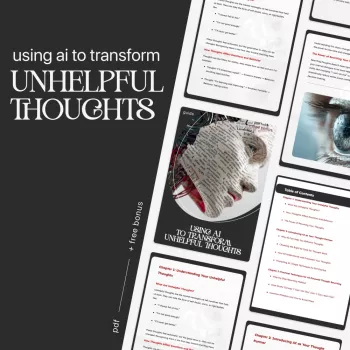
Pick the tool that matches your deliverable: templates (Canva), interfaces (Figma), original art concepts (Midjourney/Firefly), or refined commercial assets (Adobe). For a practical way to turn your expertise into sellable digital products with AI support, see this guide to using AI as a co-creator.
FAQ
What should I look for in an AI design tool for selling digital products?
Prioritize commercial-friendly licensing, consistent style control, and exports that match what customers expect (editable templates, high-resolution PNGs, or vectors). Also look for workflows that let you iterate quickly without sacrificing brand consistency.













Leave a comment