Family Screen Time Rules: Calm, Consistent Tech Boundaries
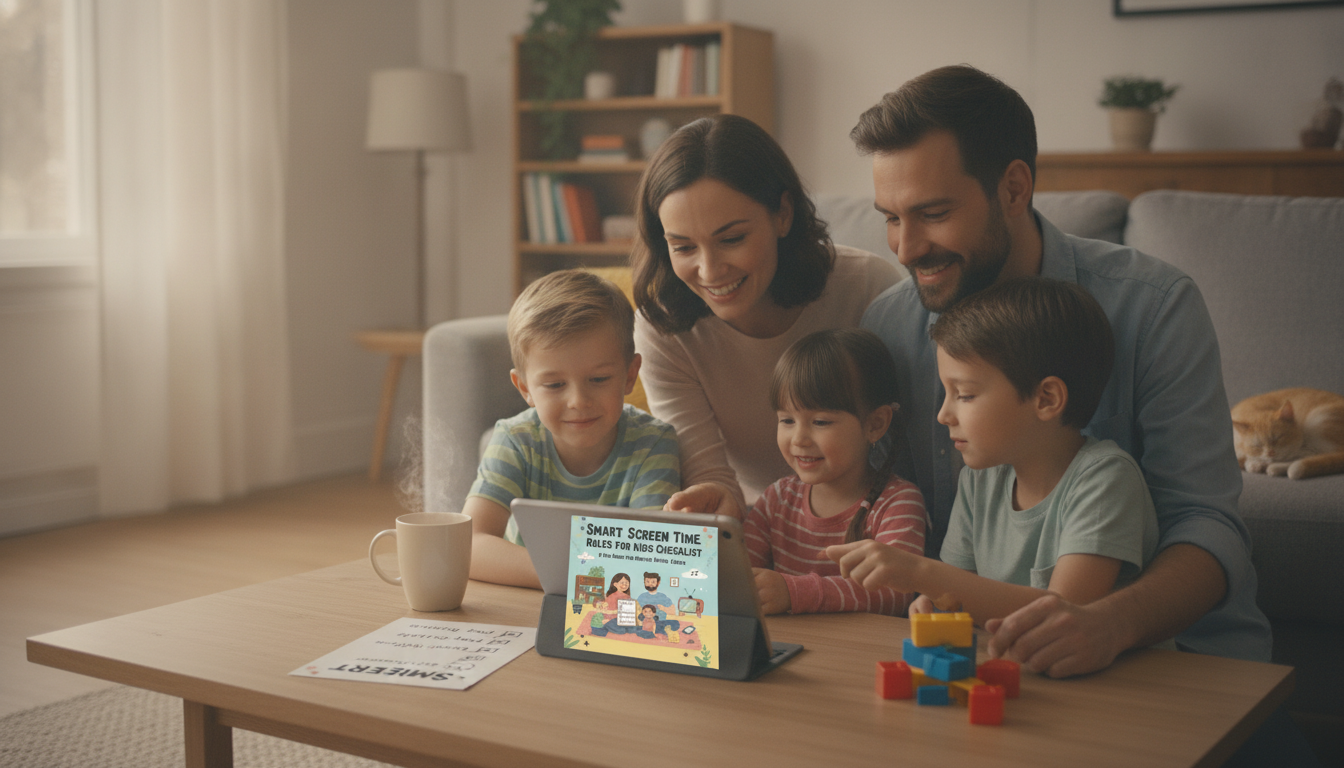
Smart Screen Time Rules for Kids: A Practical Checklist for Calm, Consistent Tech Boundaries
Screen time limits work best when they’re clear, visible, and consistently enforced. The goal isn’t to “win” against devices—it’s to build predictable routines that protect sleep, focus, and family connection while teaching kids how to use technology responsibly. Below is a practical set of home rules, a printable-style checklist you can post, and a simple tech agreement approach that helps reduce daily power struggles.
What “healthy screen time” looks like at home
Healthy screen time is less about a perfect number and more about what screens are replacing. A balanced plan makes room for sleep, school, movement, outdoor time, meals, and relationships—then fits screens around those essentials. For guidance that supports real-life routines, the American Academy of Pediatrics Family Media Plan is a helpful reference point.
- Focus on balance: screens fit around sleep, schoolwork, exercise, play, and family time.
- Prefer routines over debates: predictable rules (including weekends) reduce negotiations.
- Prioritize quality: active, educational, and co-viewed content typically beats passive scrolling.
- Watch spillover effects: mood swings, attention issues, sleep disruption, homework friction, or sibling conflict signal a need to adjust.
- Use age-appropriate independence: more freedom is earned through transparency and responsibility, not just age.
The core family tech rules (the non-negotiables)
Non-negotiables work because they’re simple, repeatable, and tied to family values. These are the rules most families benefit from enforcing consistently—even during busy weeks.
- Screens are off during meals and family conversations (phones parked in a set spot).
- No screens 30–60 minutes before bedtime; devices charge outside bedrooms whenever possible.
- Homework and chores come first on school days; screens begin only after responsibilities are complete.
- Age-appropriate content only: ratings and app permissions are checked before install or streaming.
- No private browsing or secret accounts; parents have access to passwords for younger kids.
- Kindness rule: no teasing, harassment, or sharing embarrassing photos; violations trigger immediate consequences.
- One screen at a time: avoid dual-screening during homework, family time, or meals.
Family Screen Rules Checklist (print and post)
| Rule | Why it matters | How to enforce | Checked |
|---|---|---|---|
| No screens at meals | Supports connection and mindful eating | Phone basket + reminders | □ |
| Device-free bedtime | Protects sleep and mood | Charging station outside bedrooms | □ |
| Work before play | Reduces conflict and builds responsibility | Visual routine + timer | □ |
| Approved apps only | Limits risky content and spending | Install only with permission | □ |
| Tech stays respectful | Protects relationships and digital footprint | Immediate pause + repair plan | □ |
| Daily movement first | Counters sedentary time | Outdoor time before gaming | □ |
If you want a ready-to-print version you can stick near your charging station or fridge, the Smart Screen Time Rules for Kids Checklist (printable eBook) packages the rules into a simple, repeatable routine.
Daily limits that feel fair (and don’t require constant policing)
Kids accept limits more readily when they’re predictable. Instead of tracking random minutes all day, set a daily screen “window” that starts and ends at the same time—then let your child decide what to do inside that window (within your approved content rules).
- Use a default window: for example, 4:30–5:30 on school days.
- Separate “must-do” vs. fun screens: school platforms and reading apps don’t need to compete with entertainment.
- Anchor screens to routine: after snack, after homework, after dinner cleanup—same order daily.
- Keep weekends predictable: slightly longer windows are fine, but keep mornings/meals/sleep protected.
- Plan exceptions ahead: travel, sick days, and family movie night can be scheduled so they don’t become daily arguments.
- Use a visible timer: a neutral tool reduces “You’re being unfair” friction.
For younger kids, movement and sleep are especially important foundations. The World Health Organization guidance highlights how physical activity, limited sedentary time, and sleep support healthy development.
Device zones: where screens can (and can’t) live
“Where” matters as much as “how long.” Device zones remove temptation and reduce the need for constant supervision.
What to do when rules are broken (without escalating the fight)
When tech conflict overlaps with big feelings (separation anxiety, transitions between homes, or missing a parent), it can help to have a separate comfort plan ready. The 10 Loving Ways to Comfort Your Child When They Miss a Parent (printable checklist) is an easy, gentle resource to keep on hand.
A simple family tech agreement kids will actually follow
Stable routines and clear expectations also support children’s emotional health overall. For additional family routine resources, the CDC’s children’s mental health information is a useful place to start.
Printable checklist and guide: turn rules into a repeatable routine
FAQ
What are good screen time rules for kids that don’t cause daily arguments?
Start with 3–5 non-negotiables (meals, bedtime buffer, responsibilities first), set a predictable daily screen window, and use a visible timer so limits feel neutral. Keep consequences consistent and review the rules weekly to make small adjustments before conflict builds.
Should kids have screens in their bedrooms?
Device-free bedrooms usually support better sleep and reduce late-night scrolling. A shared charging station outside bedrooms is a practical compromise, and older kids can earn more privacy with consistent, trustworthy habits.
How can parents enforce screen time without constant monitoring?
Use device-level limits (built-in screen time settings), Wi‑Fi schedules, approved-app lists, and common-area screen zones. A posted checklist and routine anchors (after homework, after dinner cleanup) reduce the need for you to “police” every moment.
















Leave a comment